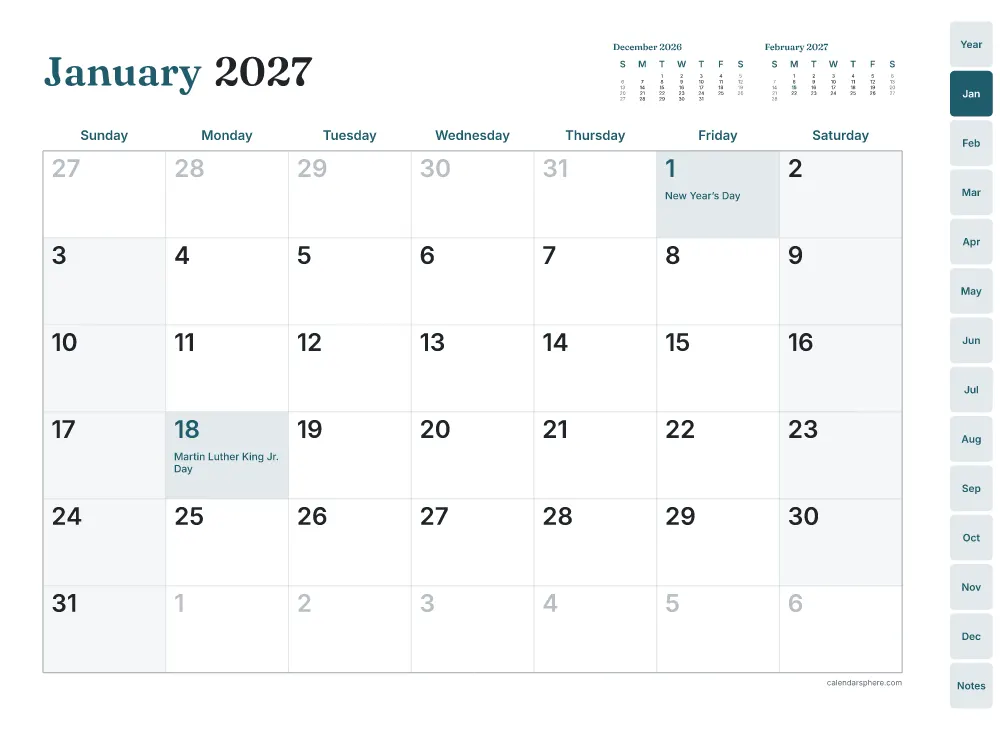
The digital planner 2027 at a glance
- Pages:
- 72 (Sunday start)
- Clickable links:
- 1,738
- Tabs on every page:
- Year, January to December, and Notes
- Works in:
- GoodNotes, Notability, Xodo, Samsung Notes and other PDF apps
How to use the digital planner 2027
- Choose what’s inside, your holidays and a color, then tap Download.
- Open the PDF and send it to GoodNotes, Notability or another note app (Share, then the app’s name).
- Tap a tab to jump to a month. Tap a day on the year page to open its month, or on a month to open its week.
- Write with your stylus. If a tap draws instead of following a link, switch your app to read-only mode.
More planners and paper
- 2027 plannerThe whole year in one PDF
- Weekly plannerA week on one page, dated or blank
- Daily plannerHourly schedule and to-do
- To-do listPriorities and a checklist of tasks
- Planner insertsA5, Happy Planner, Personal
- Habit trackerTick off each day of the month
- Mood trackerA mood for each day of the month
- Reading logEvery book, with a star rating
- Water trackerGlasses of water and sleep
- 30-day challengeA circle to fill in each day
- ADHD plannerFocus day, brain dump, routines
- Budget plannerMonthly income and expenses
- Debt snowball trackerPay off debts smallest first
- Savings challenge52-week, 100 envelope, no-spend
- Meal plannerA week of meals and a shopping list
- Travel plannerItinerary, packing and budget
- Wedding plannerBudget, guests and timeline
- Garden plannerPlanting calendar and beds
- Graph papermm and inch grids, optional axes
- Lined paperWide, college or narrow ruled
- Dot grid paperFor bullet journals and sketching
- 2027 calendarHolidays and your own events