CalendarSphereCalendarSphere home

Type to search every calendar, holiday list and paper page.

    Certificate maker

    With this certificate maker, choose a title, add what it’s for and type a list of names: every name gets its own certificate, with a seal and lines for the date and a signature.

    • Free PDF, no sign-up
    • One per name
    • Your own title
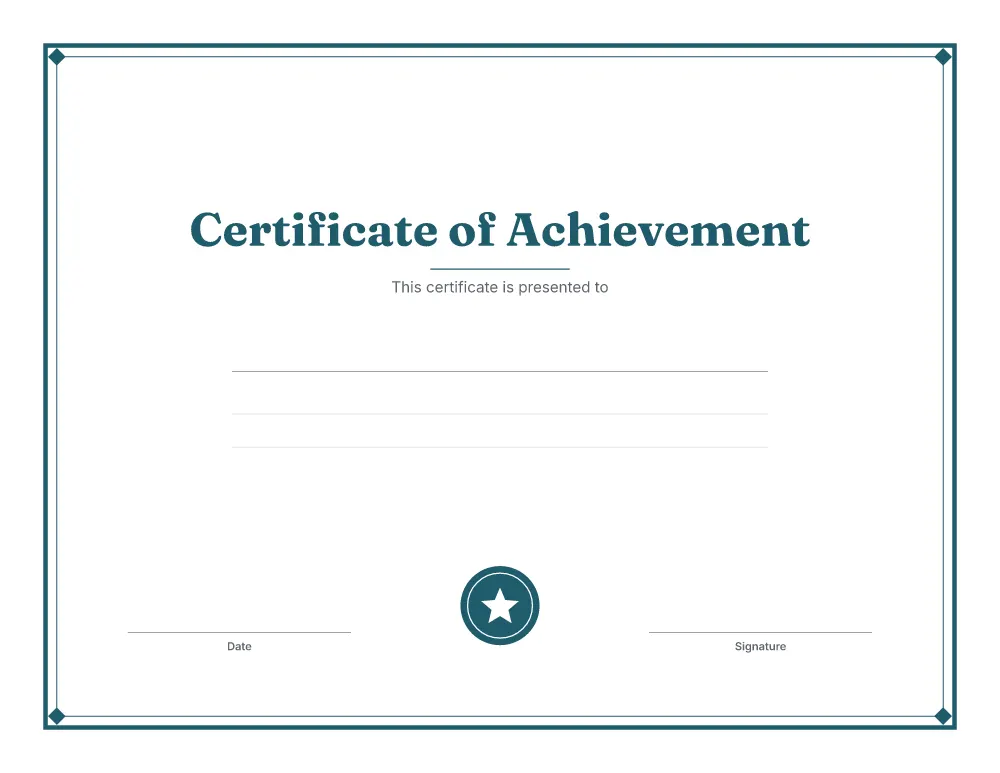
    Certificate of achievement from the certificate maker, with a double border, a name line, a seal and date and signature lines

    Made on your device. Print at “Actual size” or 100%.

    1

    Certificate

    Pick a title or type your own.

    2

    Names

    One certificate per name, so a whole class prints at once.

    One per line, up to 60. Leave empty for a line to write a name on. What you type stays on this device.

    3

    Colour and paper

    Letter is standard in the US and Canada; A4 nearly everywhere else.

    Colour
    Paper size
    Page direction

    Changed too much?

    Ready-made PDFs

    Popular versions, ready to print straight away.

    Certificate maker at a glance

    Certificates in one PDF:
    Up to 60, one per name
    Ready-made titles:
    5, or type your own
    Border:
    A ½ in (12.7 mm) margin all round, so it prints whole on home printers

    Border size

    The outer border on a landscape page, inside the safe print margin.

    Certificate border size by paper
    Paper Inches Millimetres
    Letter (8.5 × 11 in) 10.0 × 7.5 in 254 × 190 mm
    A4 (210 × 297 mm) 10.7 × 7.3 in 272 × 185 mm

    How to print your certificate

    1. 1Choose your optionsThe preview shows exactly what will print.
    2. 2Download the PDFIt is made on your device in a few seconds.
    3. 3Use matching paperPrint on Letter (8.5 × 11 in) or A4 (210 × 297 mm) paper, the size you chose.
    4. 4Print at actual sizeSet the scale to “Actual size” or 100%, not “Fit to page”.

    Every page keeps a 0.5 in (12.7 mm) margin on all sides, which home and office printers can reach, so nothing is cut off.

    More classroom printables

    Ready in a minute

    Make your own printable calendar

    Pick a style, add holidays and your own events, then download a free PDF.

    • Private by designYour designs never leave your device
    • Prints true to sizeExact US Letter and A4, with safe margins
    • Free PDFsNo sign-up, no account needed

    Frequently asked questions

    Can I make certificates for a whole class at once?

    Yes. Paste the names, one per line, and the PDF has one certificate for each: up to 60. Everything else (title, reason, date and signature) is the same on every page.

    Which titles are there?

    Certificate of Achievement, Certificate of Completion, Certificate of Appreciation, Certificate of Excellence and Star Student Award. You can also type any title, such as “Reading Champion”.

    Can I leave the name blank?

    Yes. Leave the names empty for a certificate with a line to write a name on, and print as many as you need.

    What paper works best?

    Thicker paper or card makes certificates feel special. Print at “Actual size” so the border stays inside the printable area.

    Are the names sent anywhere?

    No. The certificates are made in your browser, and the names are kept only in this browser.