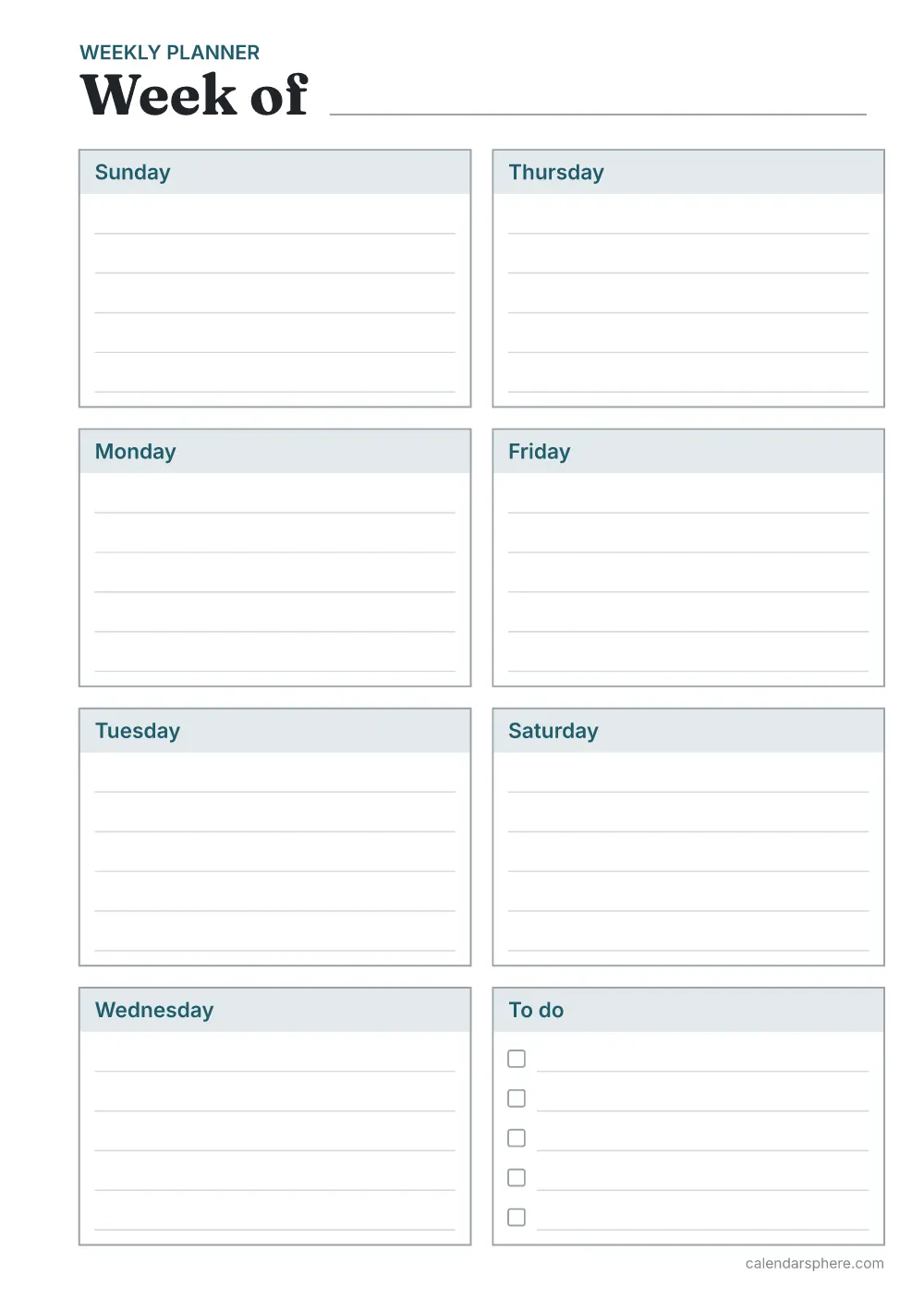
Insert sizes
Trimmed sizes, and how many inserts fit on one sheet with room for the cut marks.
| Size | Inches | Millimetres | Per Letter sheet | Per A4 sheet |
|---|---|---|---|---|
| A5 | 5¾ × 8¼ in | 148 × 210 mm | 1 | 1 |
| Happy Planner Classic | 7 × 9¼ in | 178 × 235 mm | 1 | 1 |
| Personal | 3¾ × 6¾ in | 95 × 171 mm | 2 | 2 |
Writing space on each insert
Writing lines stay a quarter inch (6.35 mm) apart at every size, so smaller inserts have fewer lines.
| Size | Weekly: lines per day | Daily: to-do lines | To-do list: tasks | Planners |
|---|---|---|---|---|
| A5 | 5 | 10 | 21 | 6 |
| Happy Planner Classic | 6 | 13 | 25 | 6 |
| Personal | 3 | 7 | 15 | 4 |
Cutting and punching
- Print at “Actual size” or 100%, never “Fit to page”, so the insert comes out exactly the right size.
- Cut along the short marks at each corner; a paper trimmer gives the straightest edge.
- Punch holes along the wider left margin with your planner’s hole or disc punch.
How to print your planner inserts
- 1Choose your optionsThe preview shows exactly what will print.
- 2Download the PDFIt is made on your device in a few seconds.
- 3Use matching paperPrint on Letter (8.5 × 11 in) or A4 (210 × 297 mm) paper, the size you chose.
- 4Print at actual sizeSet the scale to “Actual size” or 100%, not “Fit to page”.
Every page keeps a 0.5 in (12.7 mm) margin on all sides, which home and office printers can reach, so nothing is cut off.
Sources
- ISO 216 — A4 and A5 sizes
- Letter paper size — 8.5 × 11 inches
More planners and paper
- Weekly plannerA week on one page, dated or blank
- Daily plannerHourly schedule, priorities and to-do
- Meal plannerA week of meals and a shopping list
- Habit trackerTick off each day of the month
- Budget plannerMonthly income and expenses
- To-do listPriorities and a checklist of tasks
- Graph papermm and inch grids, optional axes
- Lined paperWide, college or narrow ruled
- Dot grid paperFor bullet journals and sketching
- 2027 calendarHolidays and your own events