How to make a to-do list that works: write everything down on a master list, then each day pick your top three priorities and a few small tasks from it, write each one as a clear next action, and cross them off as you go. The difference between a list that works and one that nags you is mostly length: today’s list should be short enough to finish.
Below is a five-step method, a before-and-after example, and the habits that keep a list useful.
How to make a to-do list in 5 steps

1. Capture everything on a master list
Write down every task, errand, idea and promise on one list. Work and home together; your brain doesn’t keep them separate, so your list shouldn’t either. This list can be long. Its job is to hold things so you don’t have to.
2. Rewrite vague items as next actions
Most stuck tasks are stuck because they’re projects, not actions. “Car” can’t be done. “Call the garage to book a service” can. Start each item with a verb, and make it the very next physical step.
3. Pick today’s top three
Each morning, or the evening before, choose the three tasks that would make today a success if nothing else got done. Write them at the top. If choosing is hard, sort the list with the Eisenhower matrix, which splits tasks by how urgent and how important they are.
4. Add a few small tasks, then stop
Under the top three, add the quick things that need doing today: a reply, a payment, a phone call. Stop at five or six. Everything else stays on the master list.
5. Review at the end of the day
Tick what’s done. Move unfinished tasks to tomorrow or back to the master list. Cross out anything that no longer matters. This takes two minutes and is the step most people skip.
A sample to-do list, before and after
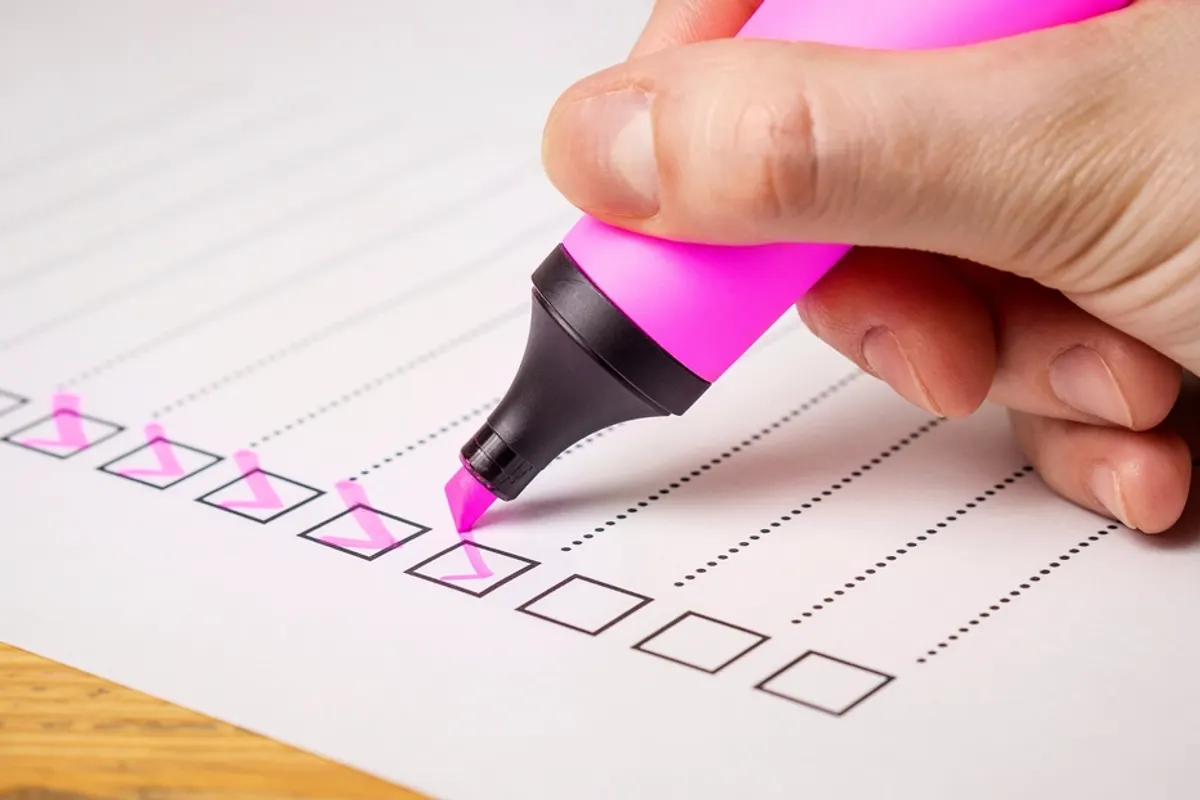
A typical first draft looks like this:
- Taxes
- Mum
- Website
- Groceries
- Exercise
- Emails
- Kitchen tap
Every item is a topic, not a task, and there’s no sense of what comes first. Here is the same list rewritten:
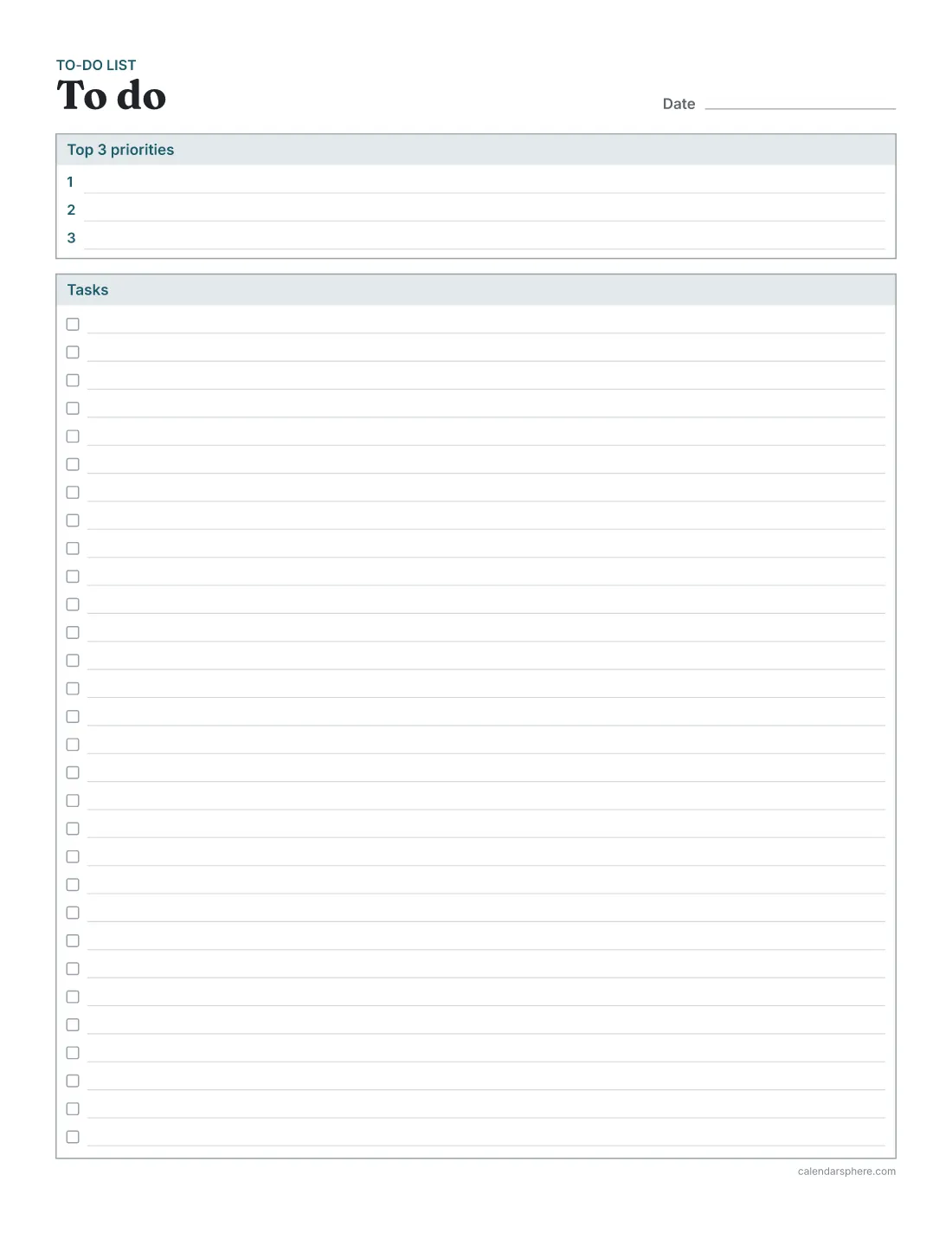
Top 3 priorities
- Find last year’s tax documents and put them in one folder
- Write the homepage text for the website (first draft only)
- Call Mum about Sunday lunch
Tasks
- Order groceries for the week
- 20-minute walk at lunch
- Reply to the three emails flagged yesterday
- Look up a plumber for the kitchen tap and send one enquiry
Each line is now something you could start in the next five minutes, and the three that matter most are at the top. “Taxes” didn’t vanish; its first step is on today’s list and the rest stays on the master list.
Tips that make a to-do list work

- Estimate time. Write a rough time beside bigger tasks (30 min, 2 h). If today’s list adds up to more hours than you have free, it isn’t a plan.
- Do the hardest priority first. Before email, if you can. Momentum from one finished task carries the rest.
- Batch small tasks. Group calls, errands and replies, and do them in one sitting.
- Give big tasks a time. A task that needs two hours of focus belongs in your schedule, not just on a list. Time blocking shows how to give tasks a slot in the day.
- Plan the week too. A daily list works best when it’s picked from a weekly plan; how to plan your week covers the 30-minute version.
Common to-do list mistakes
- Making it too long. A 25-item daily list guarantees failure and makes every unticked box feel like a debt.
- Mixing projects and actions. “Plan holiday” sits on a list for weeks. “Choose three possible dates” gets done.
- No priorities. Without a top three, you’ll do the easy tasks and leave the important ones.
- Rewriting the same task forever. After three carry-overs, schedule it, shrink it or delete it.
- Keeping lists everywhere. Sticky notes, a notebook, a phone and the back of an envelope means no list is the real one. Pick one master list and one daily page.
Paper list or daily planner?
A standalone to-do list suits a day of tasks without many fixed appointments, or a master list. The to-do list maker prints a page with a top 3 priorities box and task lines with tick boxes: 30 in one column on US Letter, or 60 in two columns for short items. Turn the priorities box off for a longer master list. Each page has a line for the date, and you can print up to 20 copies.
A daily planner suits days shaped by appointments. It puts an hourly schedule beside the top 3 priorities, a to-do list and notes, so you can see where each task fits in the day.
Whichever you choose, keep the page in front of you, write tomorrow’s top three before you finish today, and enjoy the tick.
Frequently asked questions
How many tasks should be on a daily to-do list?
Fewer than you think: three priorities plus a handful of small tasks is plenty for most days. A list you can finish is more motivating than one that rolls half its items over every night.
Should I keep one list or several?
Two works well for most people: a master list that holds everything, and a short list for today picked from it. The master list stops you forgetting things; the daily list stops you drowning in them.
How do I write a good to-do item?
Start with a verb and make it the very next physical step, such as “Email Sam for the budget figures” instead of “Budget”. If you can’t start it in the next five minutes, break it down further.
What should I do with tasks that keep getting carried over?
After the third carry-over, decide: do it first thing tomorrow, break it into a smaller first step, schedule it for a specific day, or delete it. A task that never moves is usually unclear or unimportant.
Is a paper to-do list better than an app?
Paper suits a daily list: it’s quick to write, always visible and satisfying to tick. Many people keep reminders and far-off tasks digitally and copy today’s few onto paper each morning.
How many tasks fit on the CalendarSphere to-do list?
On US Letter, 30 tasks in one column or 60 in two columns, below a top 3 priorities box. Without the priorities box, up to 70 in two columns.