CalendarSphereCalendarSphere home

Type to search every calendar, holiday list and paper page.

    Fillable calendar 2027

    This fillable calendar 2027 is a PDF you can type into: click any day, add your plans, then save it or print it. Choose your holidays, design and paper size, and get all twelve months or a single month.

    • Free PDF, no sign-up
    • Type before you print
    • Holidays included
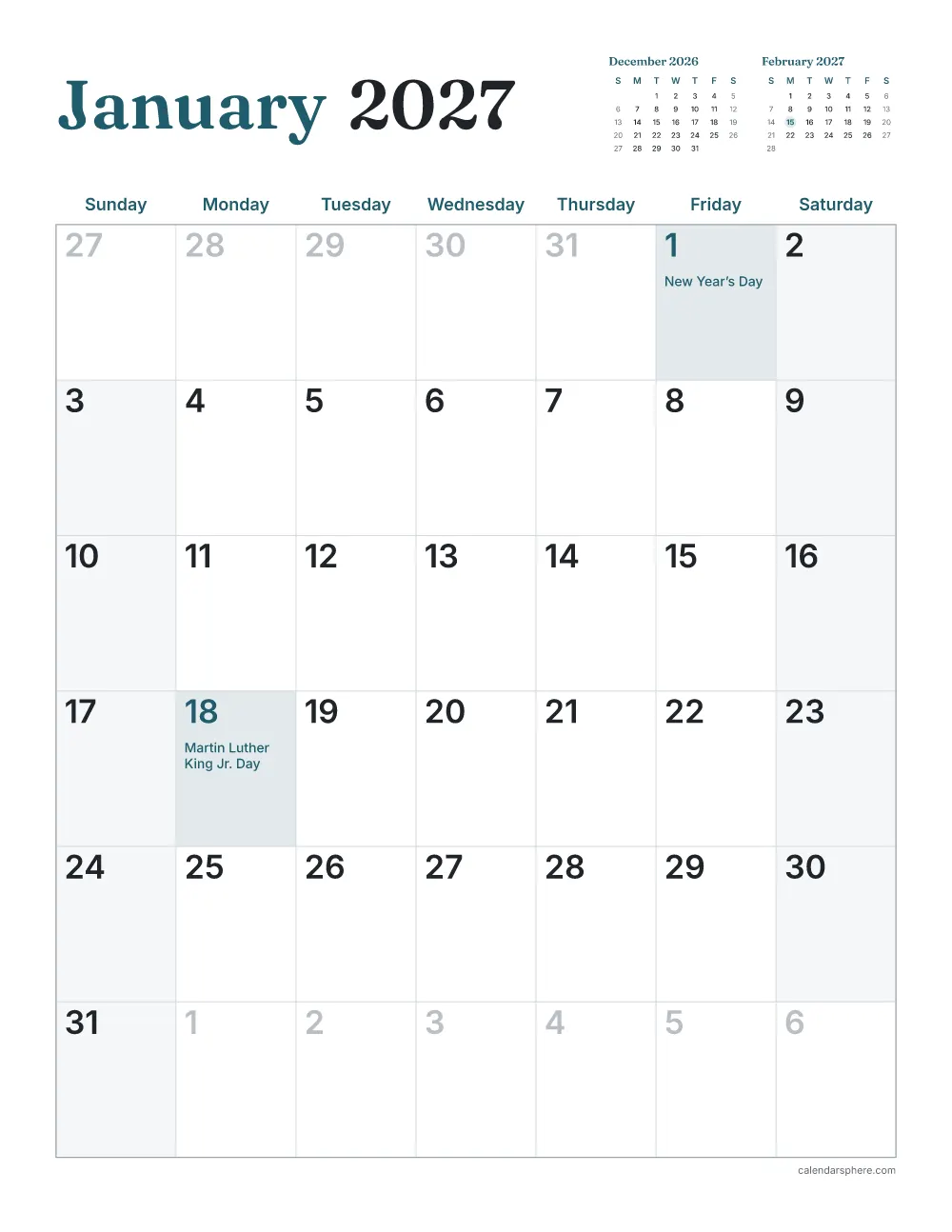
    January page of the fillable calendar 2027, with a box to type into under each day number and US holidays

    Type into the days in Adobe Reader, Preview, Chrome or Edge, then save or print.

    1

    Pick a design

    Every design works with every layout. Tap one to see it.

    Show designs
    Design: Minimal

    Clean lines and plenty of writing space

    Color
    Date numbers

    Leaves the most room to write in each day.

    2

    Layout and paper

    Letter is standard in the US and Canada; A4 nearly everywhere else. Legal and Tabloid suit a bigger wall calendar.

    Page direction
    Weeks start on
    More options

    Days that are not time off, such as Mother’s Day or Halloween.

    ISO week numbers down the left side.

    Changed too much? (your events are kept)

    Your events

    Add an event

    Sticker (optional)

    Saved in this browser only.

    Ready-made PDFs

    Popular versions, ready to print straight away.

    Fillable calendar 2027 at a glance

    Boxes to type in:
    365, one for every day of 2027
    Pages:
    12, one month per page (or pick a single month)
    Works in:
    Adobe Acrobat Reader, Apple Preview, Chrome, Edge and Firefox
    2027 starts on:
    a Friday

    How to type into your fillable calendar

    1. Choose your holidays, design and paper above, then download the PDF.
    2. Open it in Adobe Acrobat Reader, Preview or your browser.
    3. Click a day and type. Press Tab to move to the next day.
    4. Save the PDF to keep your plans, or print it with them written in.

    How to print your fillable calendar 2027

    1. Choose your optionsThe preview shows exactly what will print.
    2. Download the PDFIt is made on your device in a few seconds.
    3. Use matching paperPrint on Letter (8.5 × 11 in) or A4 (210 × 297 mm) paper, the size you chose.
    4. Print at actual sizeSet the scale to “Actual size” or 100%, not “Fit to page”.

    Every page keeps a 0.5 in (12.7 mm) margin on all sides, which home and office printers can reach, so nothing is cut off.

    More calendars

    Guides you may like

    Ready in a minute

    Make your own printable calendar

    Pick a style, add holidays and your own events, then download the PDF.

    Frequently asked questions

    What is a fillable calendar?

    A PDF calendar with a text box in every day. Open it on a computer, tablet or phone, click a day and type, then save it or print it with your plans already written in.

    Which apps can I type into it with?

    Adobe Acrobat Reader (free), Apple Preview on a Mac, and the PDF viewers built into Chrome, Edge and Firefox. On an iPad or iPhone, open it in the Files app or Acrobat Reader.

    Will my typing be saved?

    Yes, when you save the PDF from your viewer (File, then Save). Some browser viewers download a new copy instead; keep that one.

    How much can I type in a day?

    About three to five short lines in portrait, less in landscape or on days with a holiday. The text is a small, clear size so it fits; longer notes wrap onto the next line.

    Are holidays included?

    Yes. Choose the holidays of United States, United Kingdom, Canada, Australia, India, New Zealand, Ireland, Singapore and South Africa, and they are printed in the day with the typing box underneath.

    Can I still print it blank?

    Yes. The boxes are invisible on paper, so an empty fillable calendar prints like a normal one.