A printer cutting off edges is almost always caused by one of four things: the paper size in the document doesn’t match the paper in the tray, the page is being scaled, borderless printing is on, or the content runs into the edge strip a home printer can’t reach. Check those in order and the fix usually takes a minute.
Why is my printer cutting off edges?
Each cause leaves a different clue, so look at where the page is cut.
| What you see | Likely cause | Fix |
|---|---|---|
| Bottom cut off | A4 page on Letter paper | Make or print the page in Letter size |
| Sides cut off | Letter page on A4 paper | Make or print the page in A4 size |
| All four edges trimmed | Page enlarged, or borderless printing on | Print at actual size, turn borderless off |
| Thin strip missing on one side | Content inside the printer’s unprintable margin | Use a page with wider margins |
| Everything smaller than expected | “Fit to page” shrinking it | Print at actual size |
Cause 1: the paper size doesn’t match
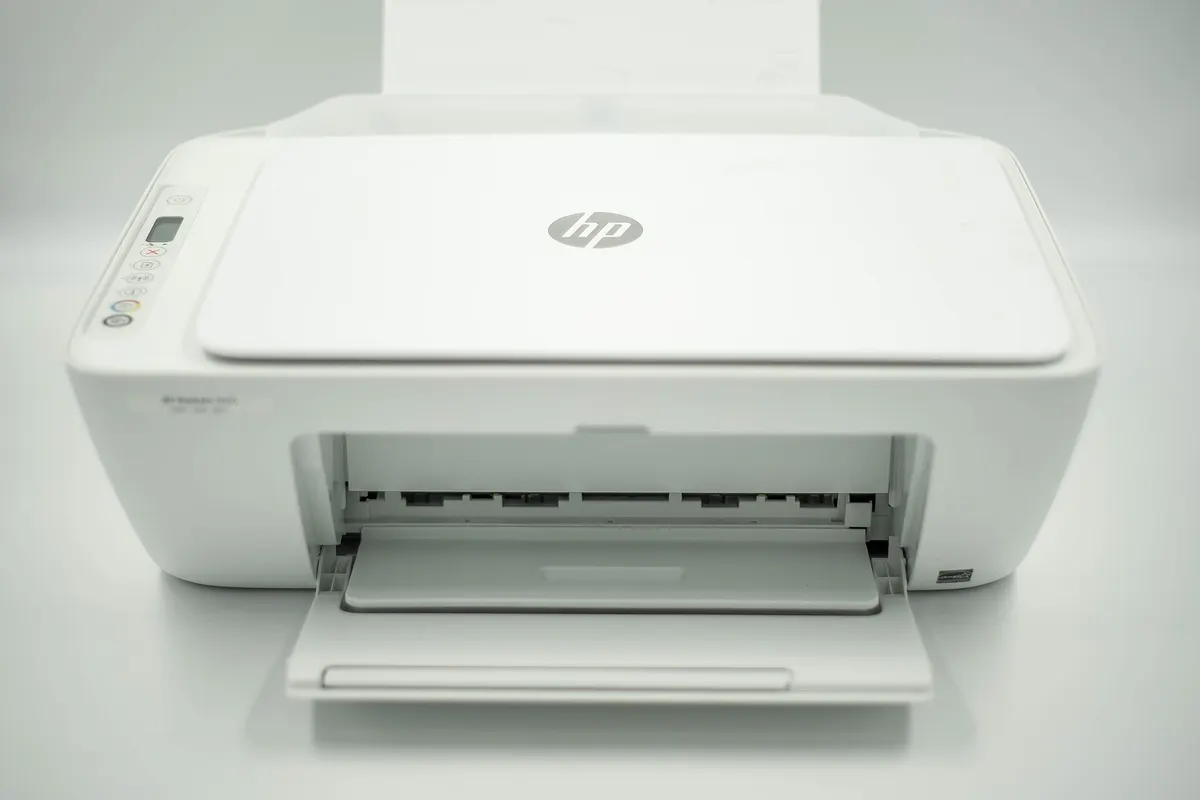
This is the most common reason. A4 and Letter look alike but aren’t: an A4 page is about 18 mm (0.69 in) taller and 6 mm (0.23 in) narrower than a Letter sheet. Print an A4 page on Letter paper at actual size and the bottom runs off the end; print a Letter page on A4 and the sides can lose a few millimetres.
Check the paper size in three places: the document itself, the print dialog, and the printer’s own tray setting. They should all say the same thing. A4 vs Letter size explains the two sizes and where each is used.
Cause 2: the page is scaled
Print dialogs often offer several scaling options. The names vary, but they come down to these:
- Actual size or 100%: the page prints exactly as designed. This is what you want for anything with a margin built in.
- Fit to page, Fit to printable area or Shrink oversized pages: the page is reduced to fit. Nothing is cut off, but everything prints smaller, so a 1 cm grid no longer measures 1 cm.
- Custom scale or Fill page: anything above 100% enlarges the page, and the edges are cut off.

If your printer is cutting off edges evenly on all four sides, look for a scale above 100%, a “Fill” option, or borderless printing.
Cause 3: borderless printing
Many photo printers offer borderless printing. To make the ink reach the very edge, the printer enlarges the page a little so it overflows the sheet, and a few millimetres are lost on every side. That is ideal for photos and wrong for calendars, forms and grids. Turn borderless off in the printer’s settings or the print dialog’s paper options.
Cause 4: content in the unprintable margin
No home printer can put ink right to the edge of the paper. Most inkjets leave roughly 3 to 6 mm blank around the sheet, and some leave close to half an inch at the bottom, where the rollers hold the paper. Anything a document places in that strip simply doesn’t print.
That is why every page on this site keeps a 0.5 in (12.7 mm) margin on all four sides. It is wide enough for almost any home or office printer, so printed at 100% nothing is lost. If a page from elsewhere is cut off, check whether it was designed with margins at all; a page that runs edge to edge will lose something on most printers.
How to fix a printer cutting off edges, step by step
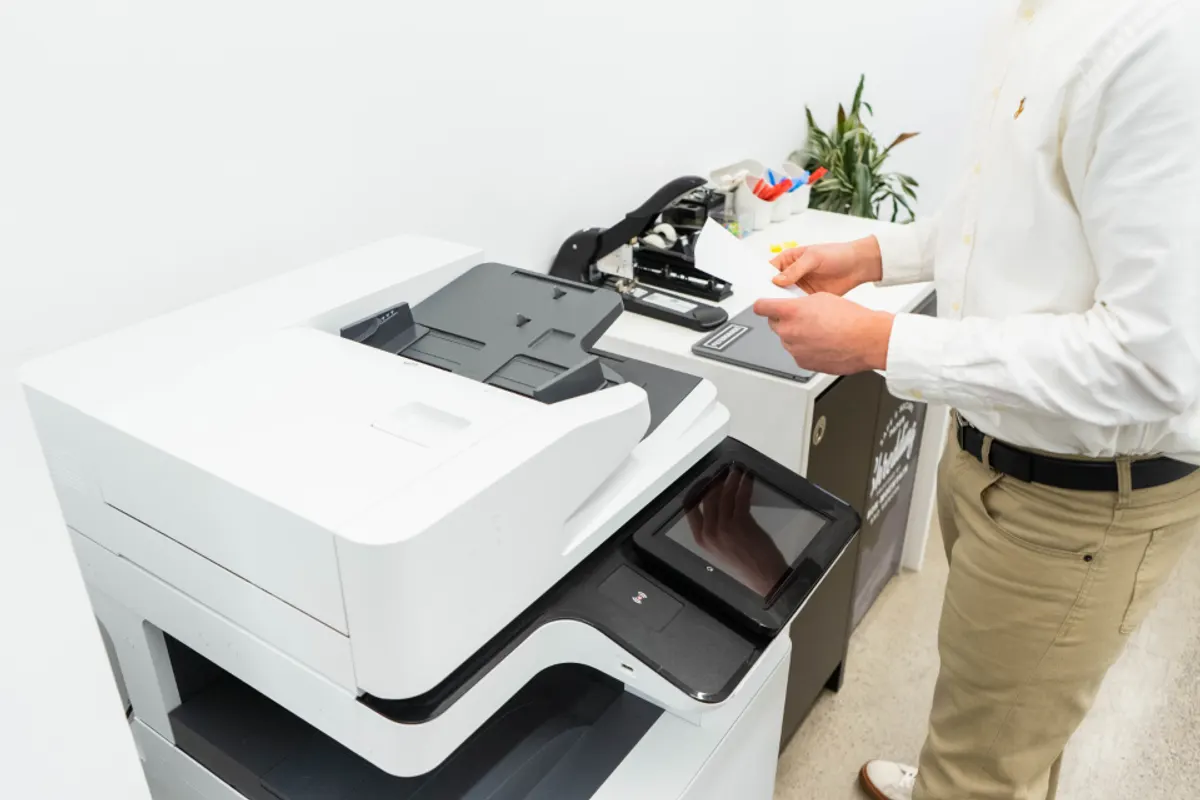
- Make the page in your paper size. Choose Letter or A4 before you download, matching the paper you’ll use.
- Open the PDF and choose Print. Use a PDF viewer or your browser’s built-in viewer.
- Set the paper size in the print dialog to the same size.
- Set the scale to “Actual size” or 100%, not “Fit to page”.
- Turn off borderless printing if your printer offers it.
- Print one page and check it before printing a stack.
The PDFs from this site already ask the print dialog for actual size, but some browsers and printers ignore that, so it is worth checking each time. How to print a calendar goes through the print dialog in more detail.
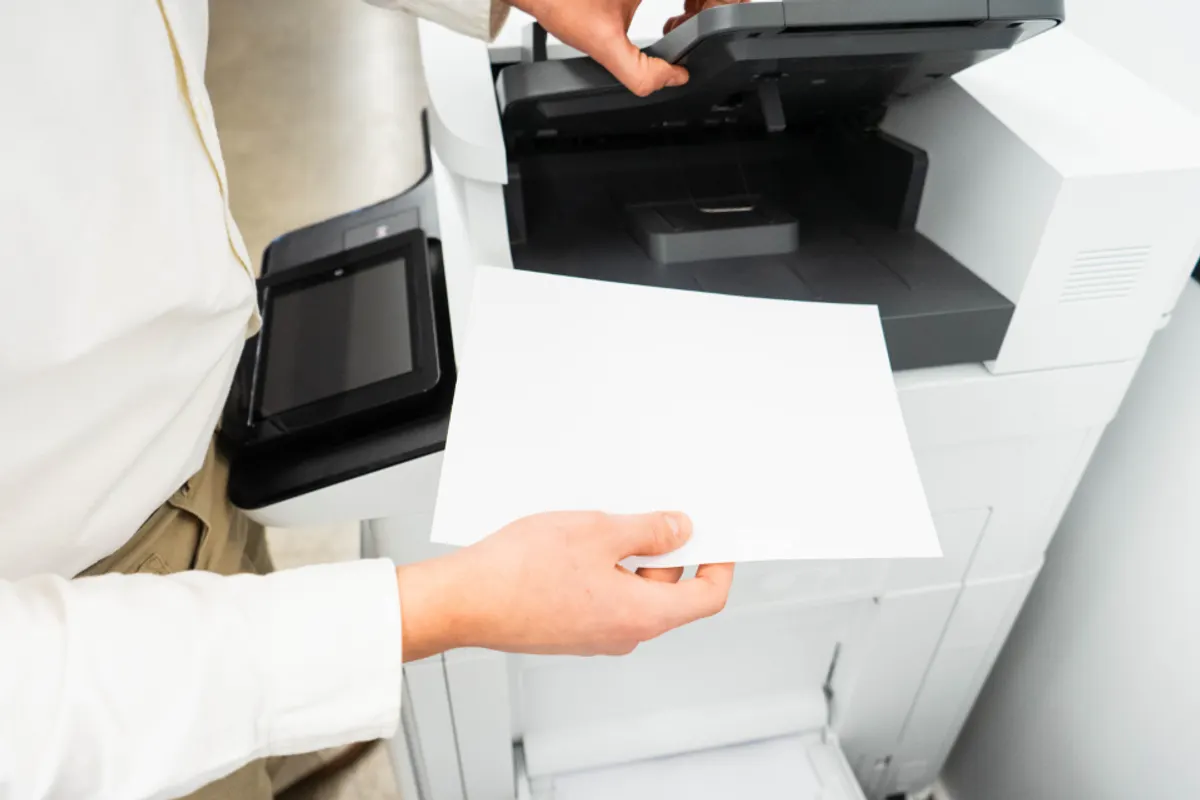
How to check a page printed true to size
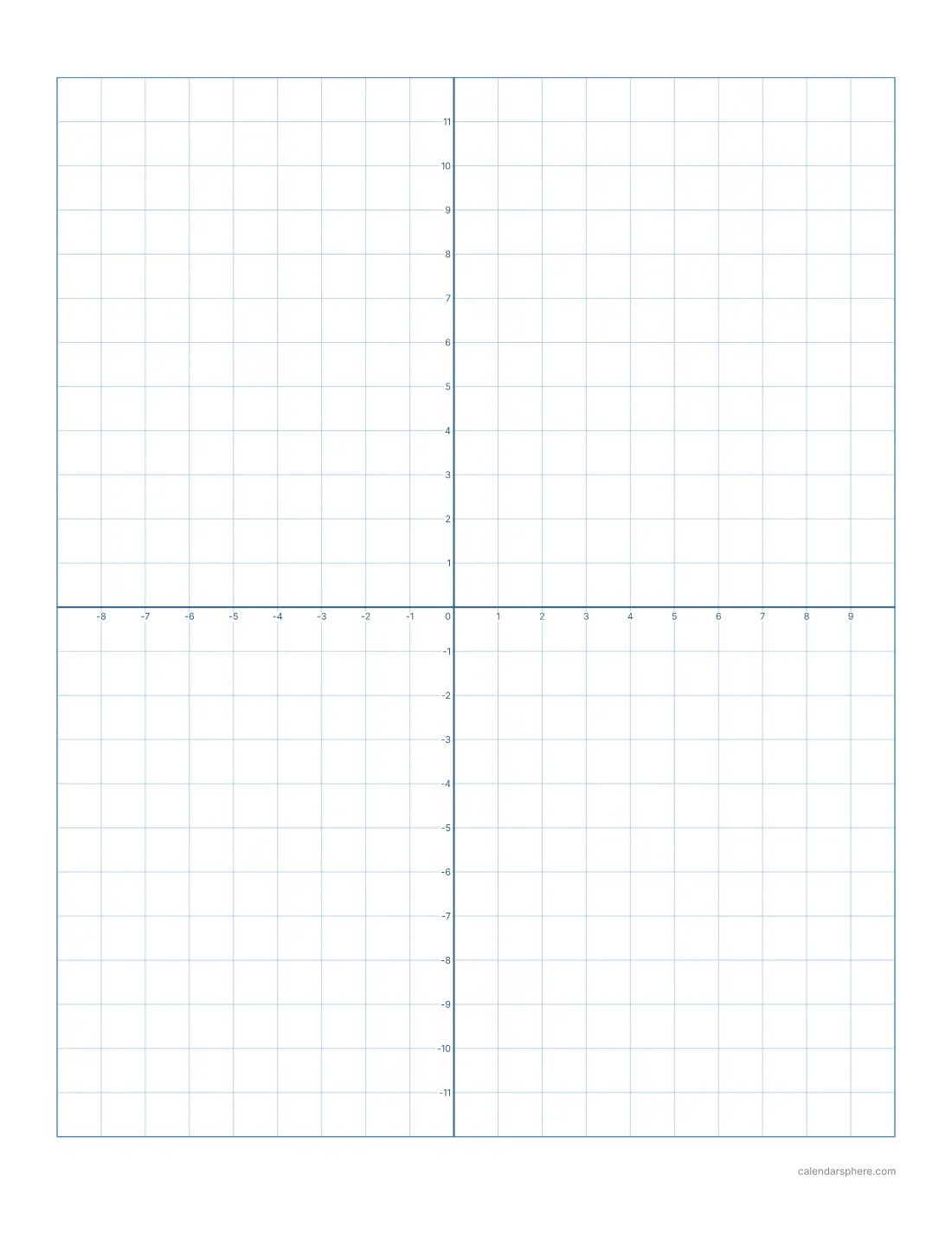
A quick test tells you whether your printer scaled the page. Print a page from the graph paper maker with a 1 cm grid and measure ten squares with a ruler: they should span exactly 10 cm. On a 1/4 inch grid, ten squares span 2.5 inches. If the squares come out smaller, the page was shrunk to fit; if a row of squares is missing at the edge, it was cut off.
Once that test page measures true, every other page printed with the same settings will be the right size too.
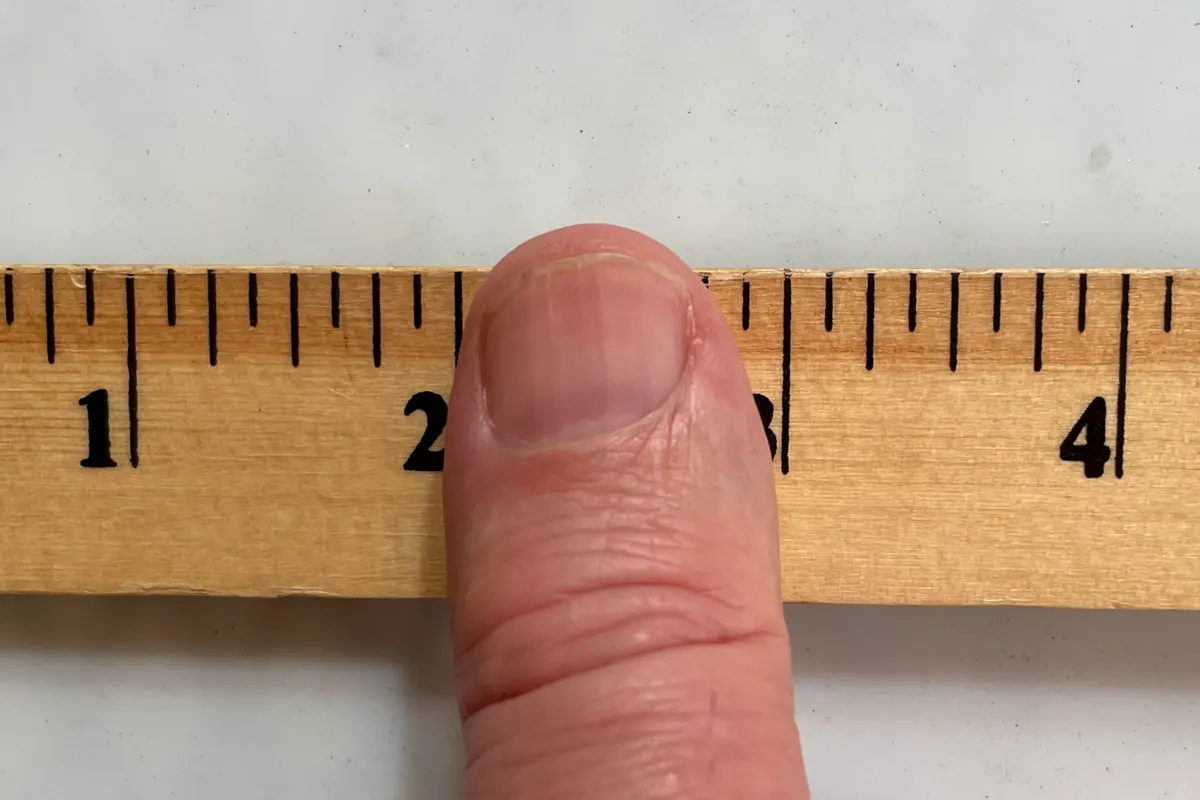
When edges matter most
- Calendars: a cut-off bottom row loses the last week of the month. The 2027 calendar keeps every row inside the margin.
- Lined paper: scaling shrinks the line spacing a little, so the ruling no longer matches its standard size. The lined paper maker prints exact spacing at 100%.
- Planner inserts: cut marks must land in the right place. Printing A5 pages on A4 or Letter explains how inserts are laid out on a sheet.
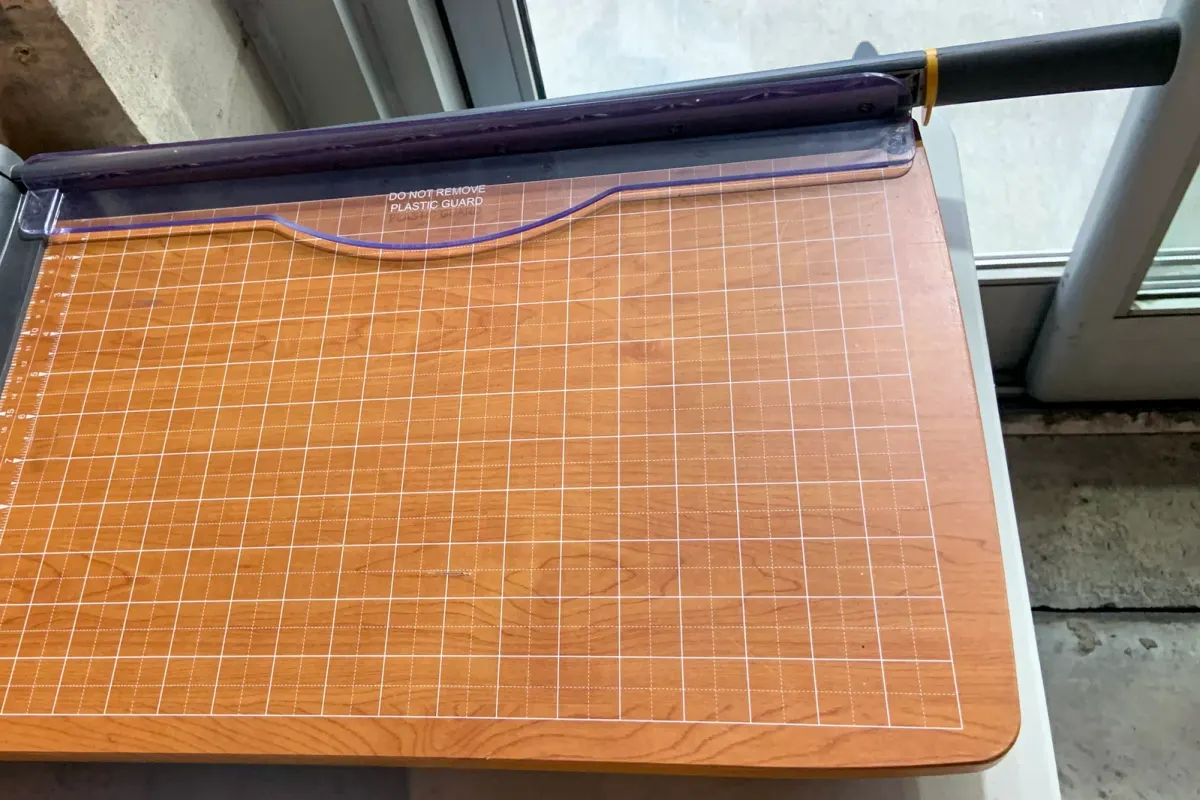
Print a test page
Before printing a whole calendar or a stack of worksheets, print one sheet of the graph paper and measure it. It takes a minute, uses one sheet, and confirms that your paper size, scale and margins are right for everything else you print.
Frequently asked questions
Why is my printer cutting off the edges of the page?
Most often the document’s paper size doesn’t match the paper in the printer, the page is being enlarged or printed borderless, or the content runs into the strip near the edge that home printers can’t reach.
Should I use Fit to page or Actual size?
Actual size (or 100%) for pages made with proper margins, such as calendars, graph paper and lined paper. Fit to page shrinks the page, so grids and line spacing no longer measure true.
How big is the area a printer can’t print?
On most home inkjets it is roughly 3 to 6 mm around the edge, and some printers leave close to half an inch at the bottom. Pages with a 0.5 in (12.7 mm) margin print whole on almost any printer.
Why is only the bottom of my page cut off?
Usually an A4 page is being printed on Letter paper. At actual size an A4 page is about 18 mm taller than a Letter sheet, so the bottom runs off the end.
How can I check that a page printed at the right size?
Print a page of 1 cm graph paper and measure ten squares with a ruler. They should span exactly 10 cm; if they are shorter, the page was scaled down.
Does borderless printing help?
No, it usually makes it worse. Borderless printing slightly enlarges the page so the ink runs off the edges, which trims a little from every side.